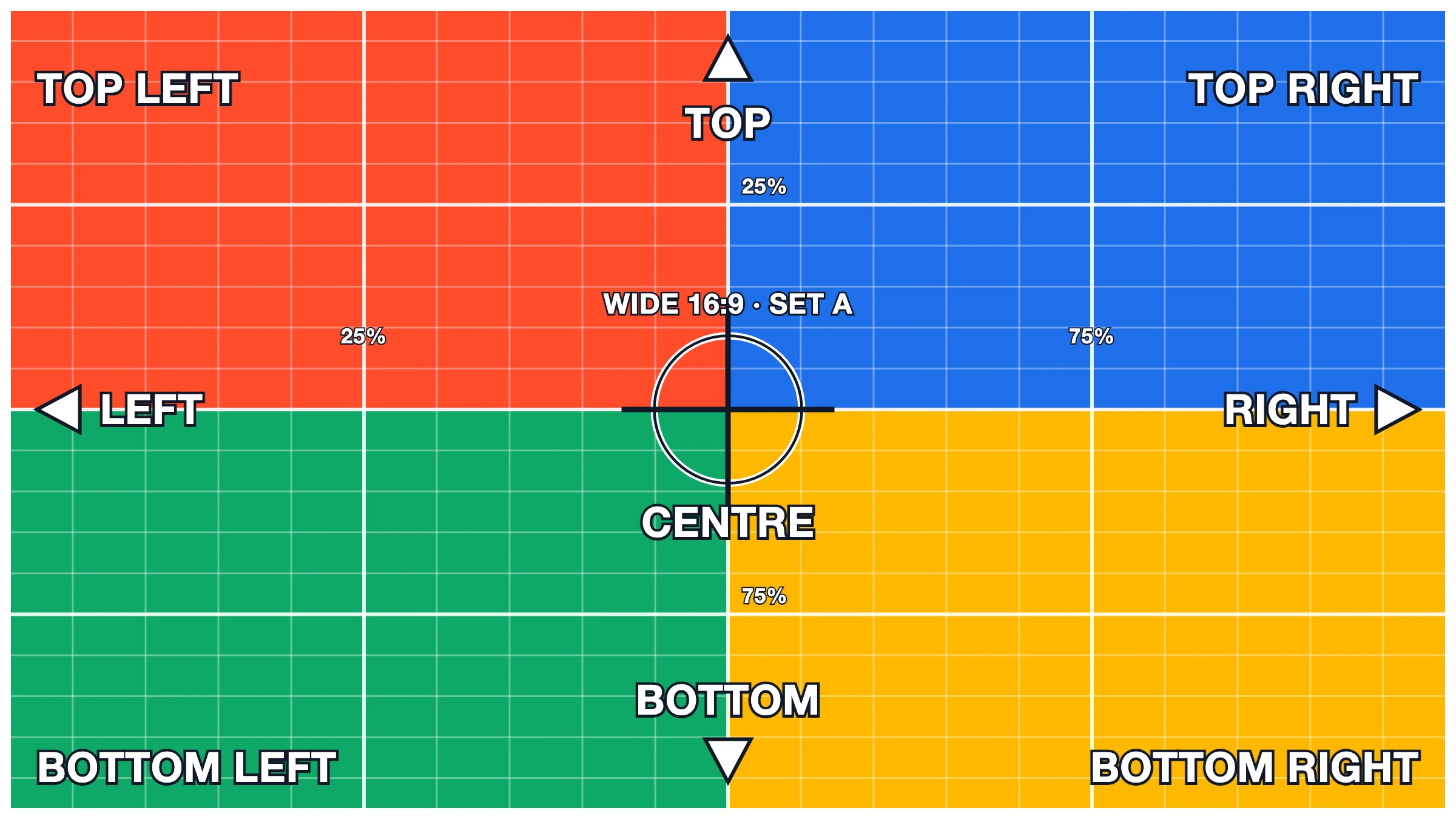
Above: a Priority image set to Wipe in — wipe is left off an image the page loads straight away, so it is simply shown.
Zoom on scroll: settles from zoomed-in to its natural size as it rises to the middle of the screen (watch the 25%/75% lines come into view).
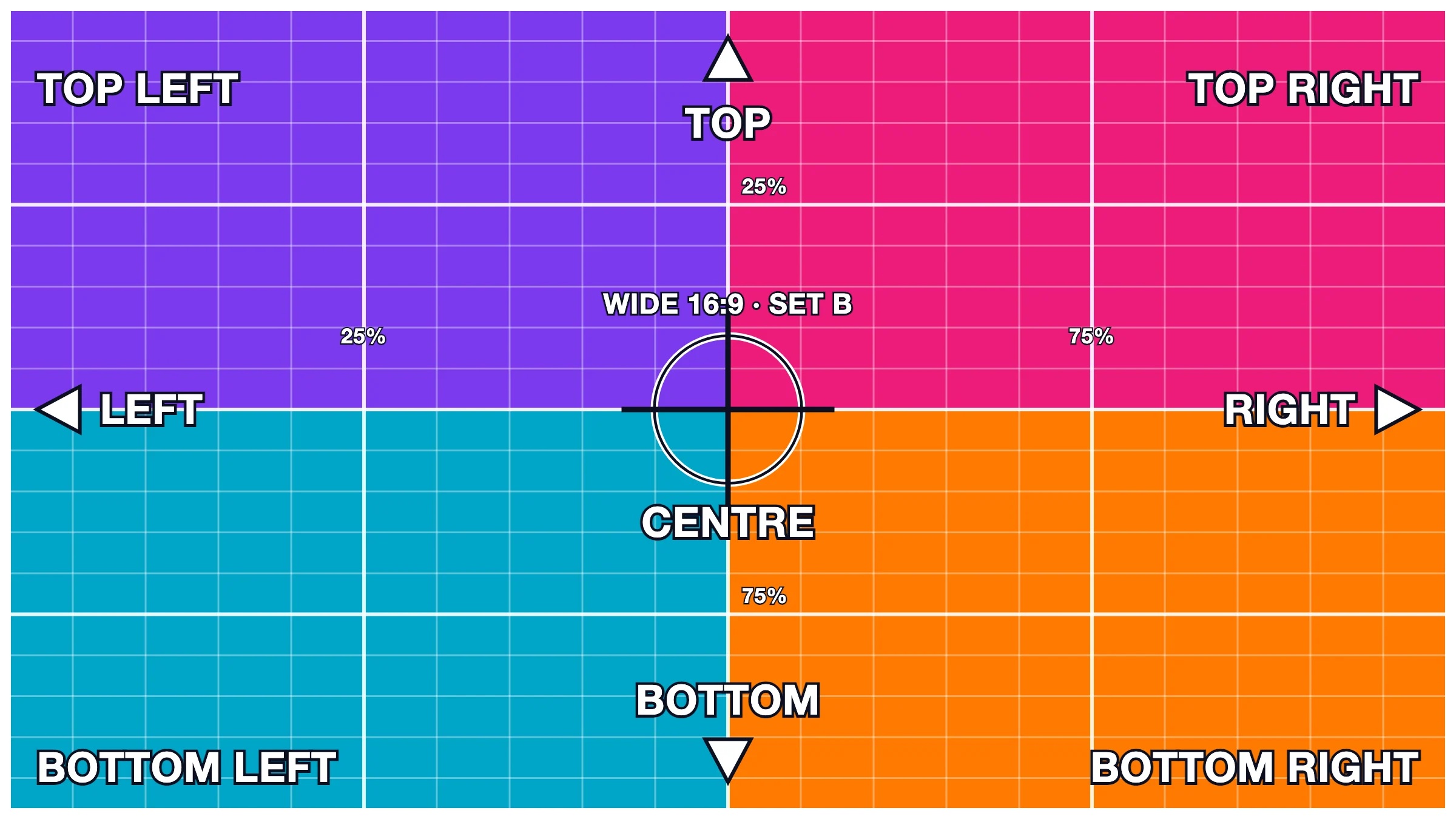
Tilt in: tipped back (TOP away from you), rights itself.
Grey to colour (a photo).
Expand to full: from a rounded inset frame out to its full size.
Wipe in (below the fold, so it is allowed).
Roll from the left as you scroll (the wheel): it rolls into place in step with your scrolling — scroll back up and it rolls back out.
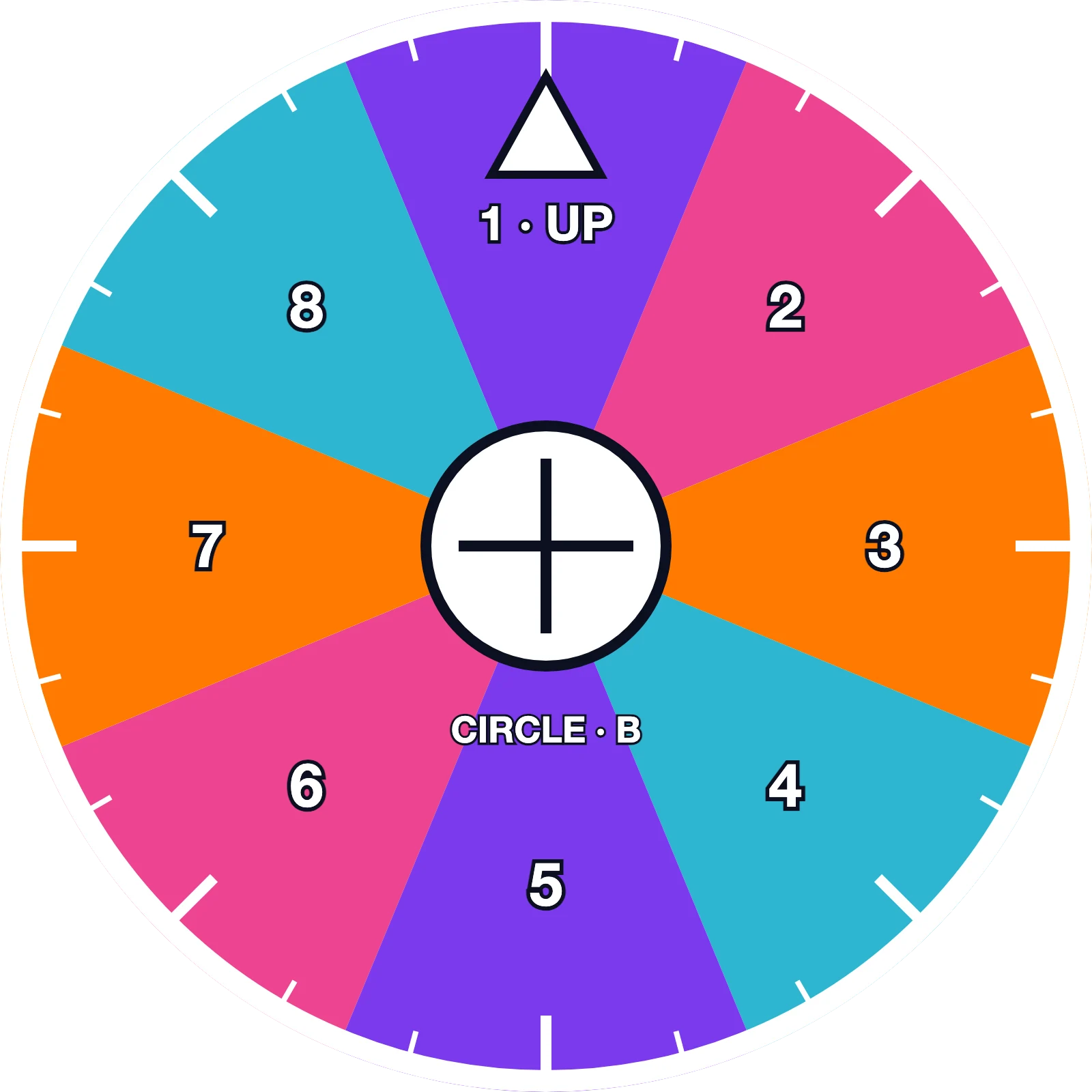
Roll from the right as you scroll (the round latte photo).
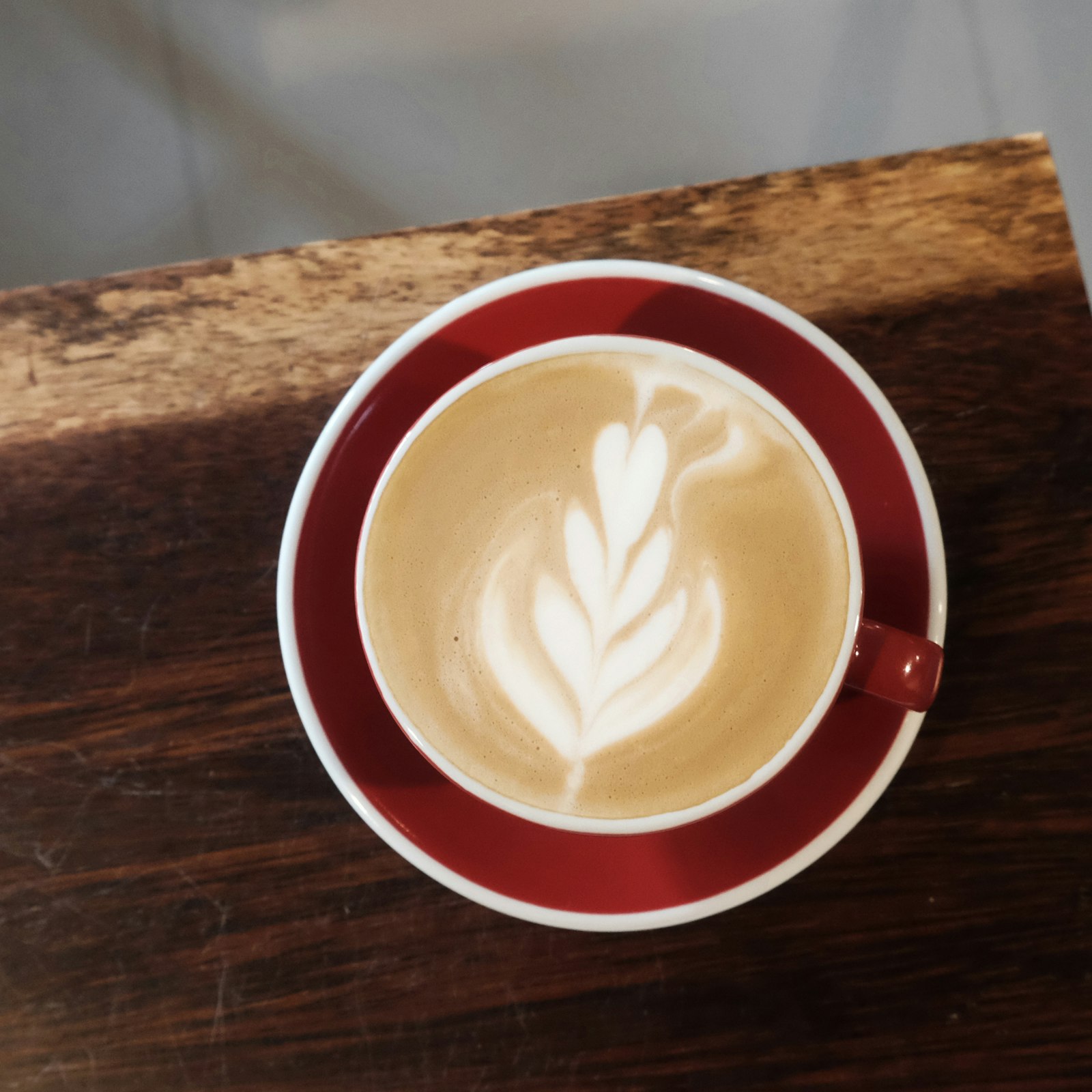
Roll from the right as you scroll — Break out of frame (the round latte): it rolls in from outside its spot in step with your scrolling.
Zoom on scroll + Parallax (both run together).
Last image on the page, grey to colour: it can never reach the middle of the screen, so it fills in over the last stretch of scrolling and is in full colour at the very bottom.