
Every image is linked: press Tab to move through them — each takes its hover effect on keyboard focus. The labelled test graphics make directions obvious: the label you read is the part that moves.
Tilt
Classic tilt (unchanged): the edge labelled TOP pushes back.
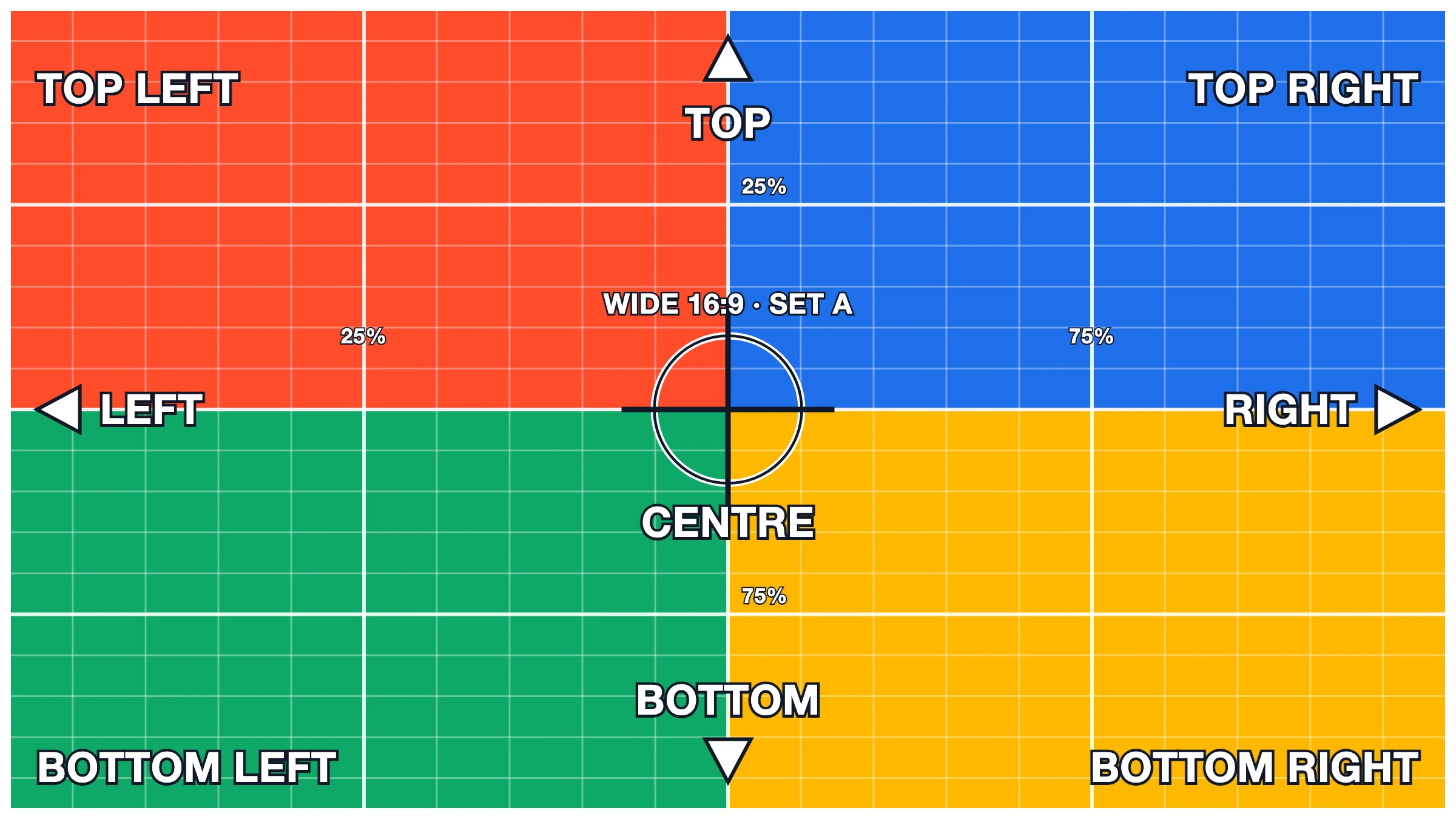
Tilt from the TOP RIGHT corner, 12°, depth 900: that labelled corner pushes back, BOTTOM LEFT comes forward.
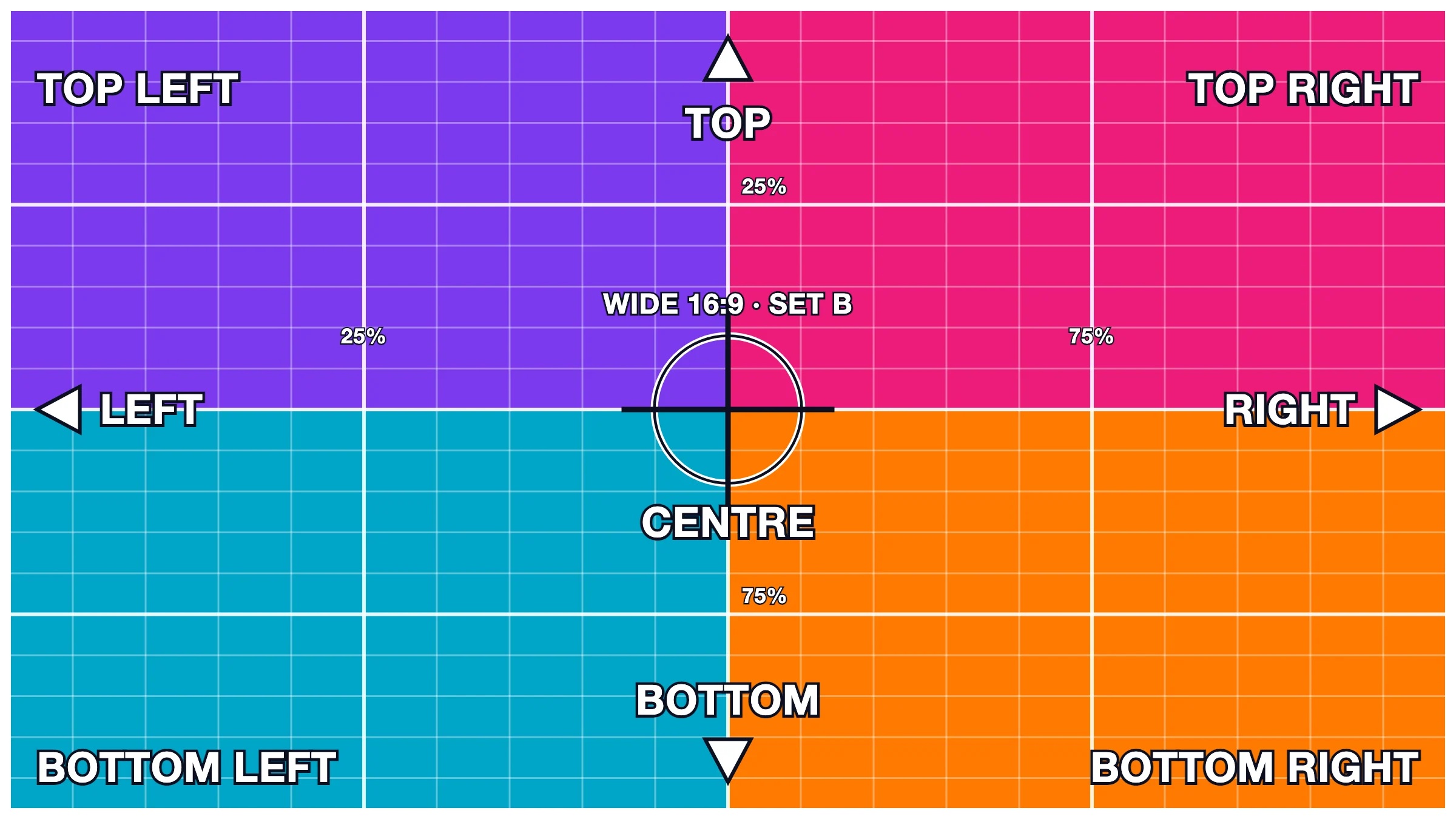
Tilt LEFT, 10°, depth 400 (dramatic).
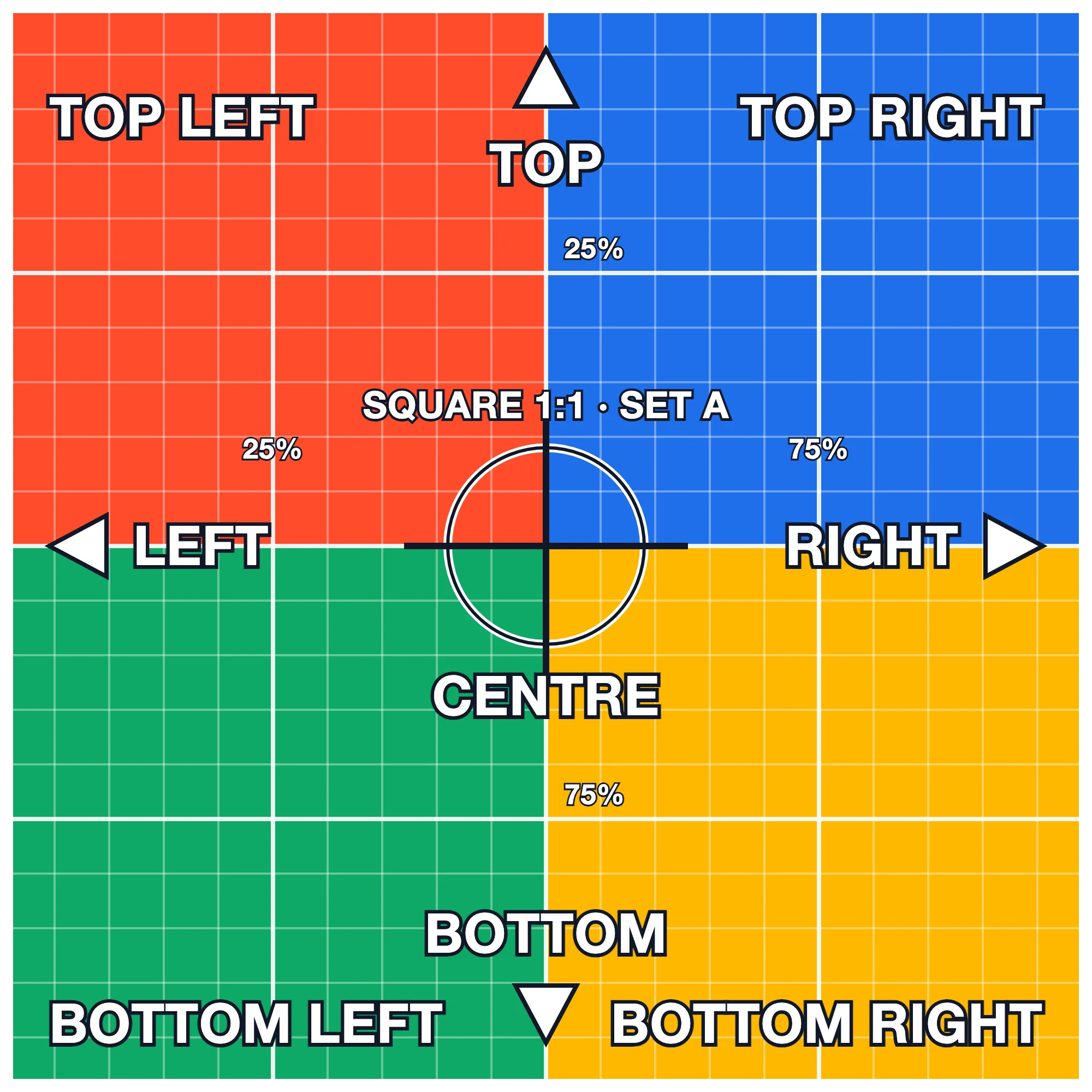
Tilt BOTTOM LEFT, 9°.
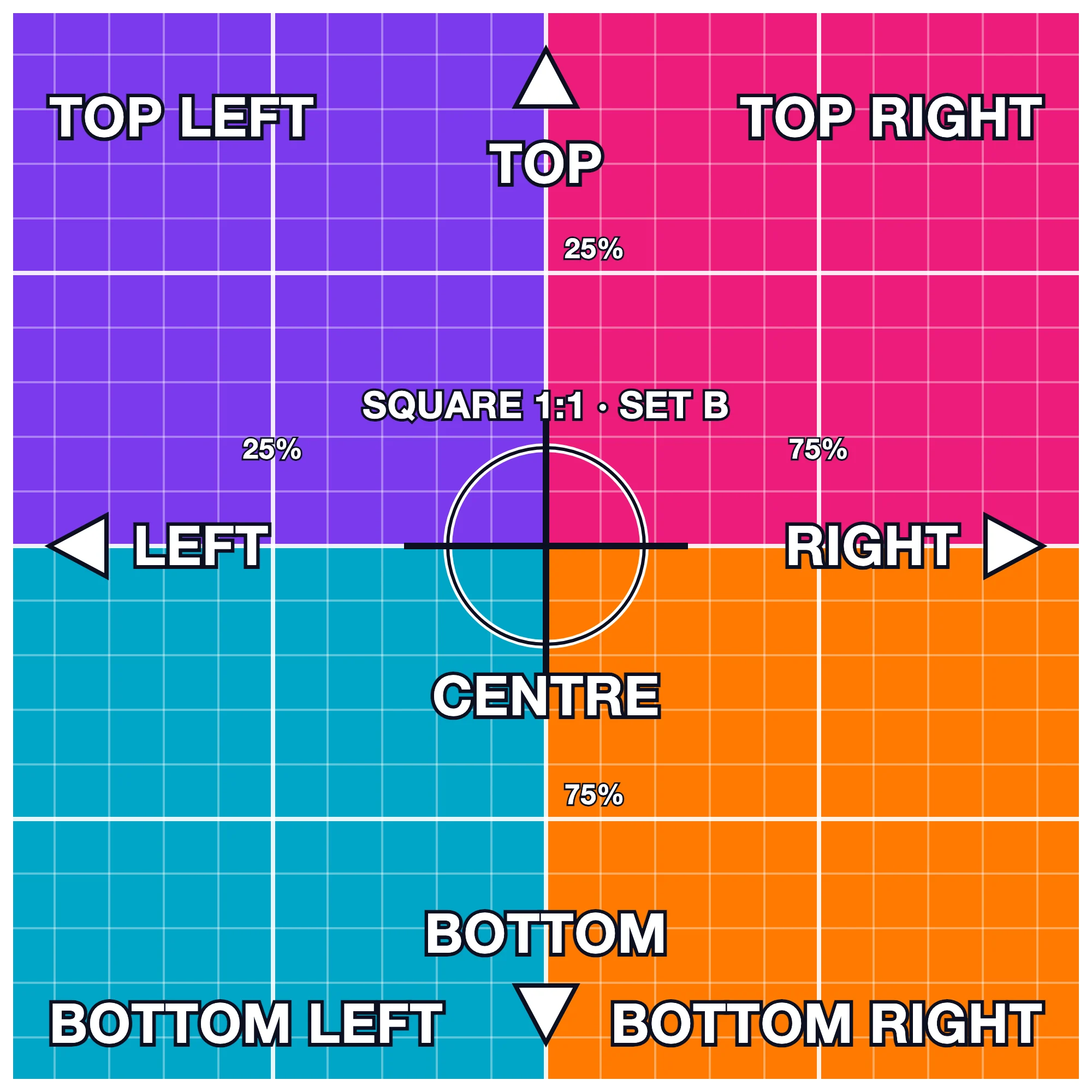
Tilt follows the mouse (12°) with the glare: move to each labelled corner — that corner pushes back and the highlight follows. Steady at the corners, no flicker.
The same on a real photo.

Zoom
Zoom 130% from the TOP LEFT corner, slow (800ms): TOP LEFT stays put, everything grows away from it.
Zoom follows the cursor (140%): point at any label — it stays under the mouse while the picture grows round it.
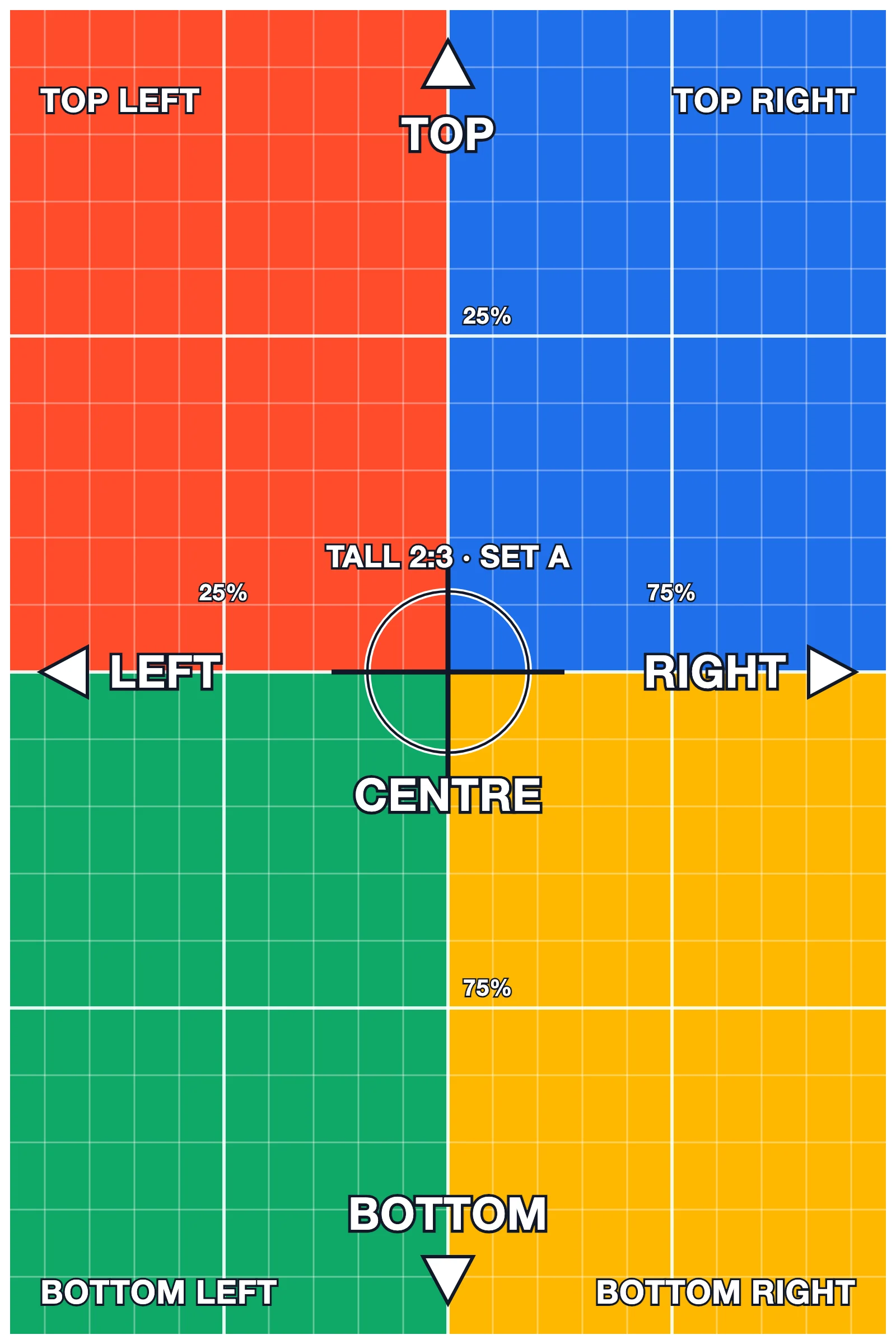
Zoom follows the cursor on a photo.
Lift, glare, treatments
Lift + glare sheen, rounded corners, a caption: the glare sweeps the picture only, never the caption.
Greyscale → colour + overlay with caption (hover or Tab).
Touch screens: none of these move. Reduced motion: nothing moves.