

Above: the FIRST image on the page has a Fade entrance, but it is in the first screen — so it only settles into place and is never hidden while it loads. Reload a few times.
Fade.
Rise.
Settle — the picture zooms out into place inside its frame.
Wipe from the left.
Wipe from the bottom, slow (1400ms).
Soft blur, 300ms delay (a photo).
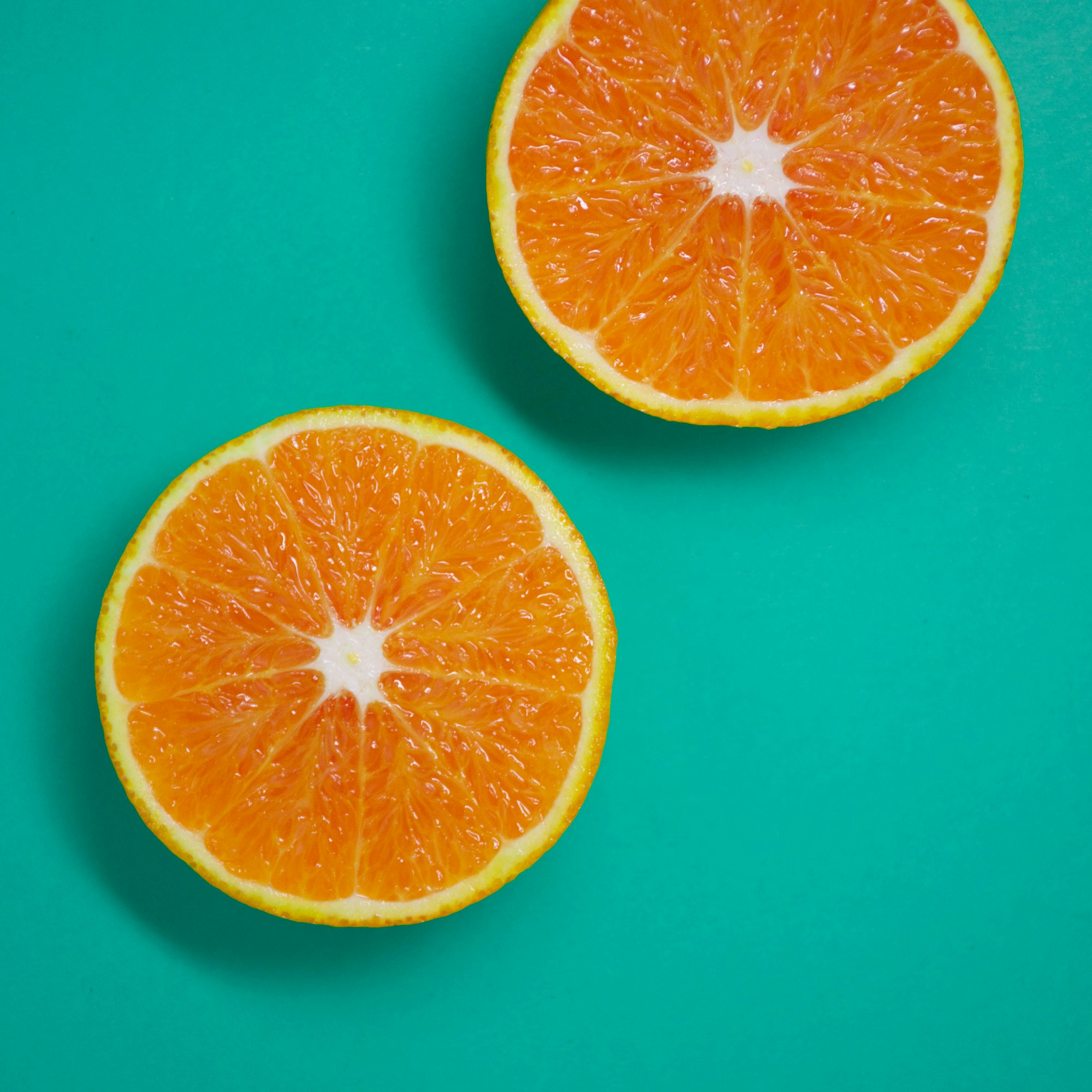
Roll
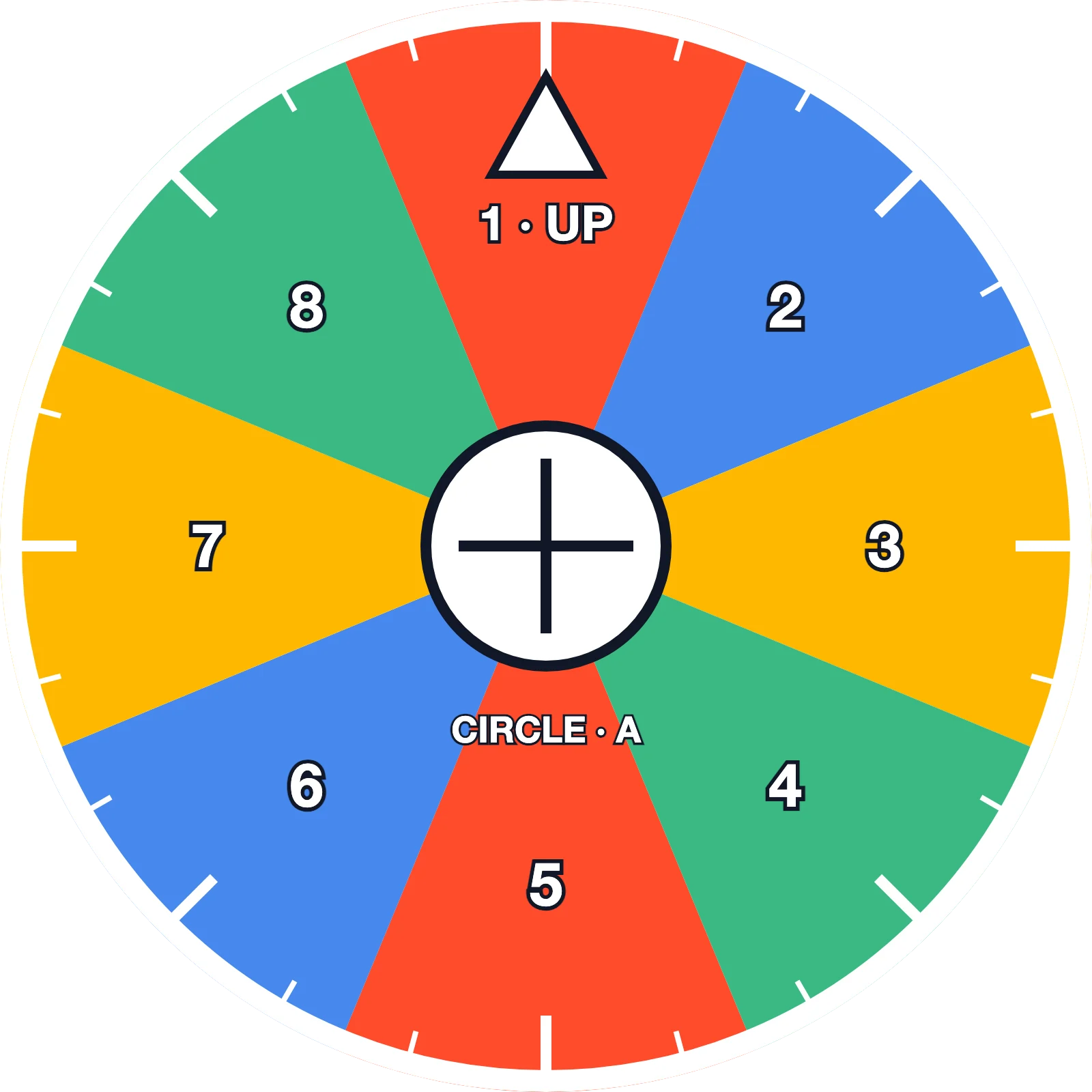
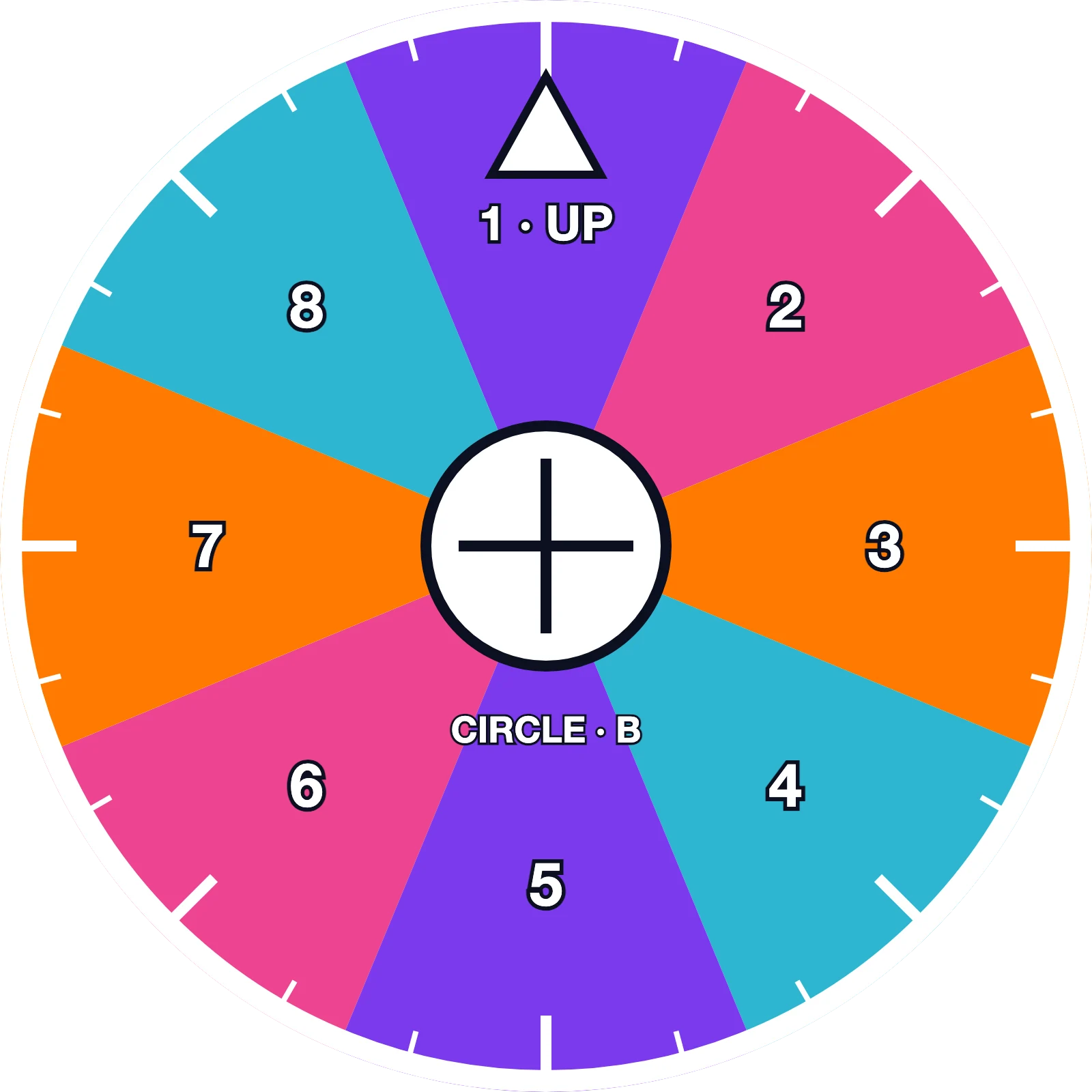
Roll in from the left (the wheel graphic, 1100ms): it rolls into its frame — watch “1 · UP”: it turns exactly as far as it travels, like a real wheel, never sliding.
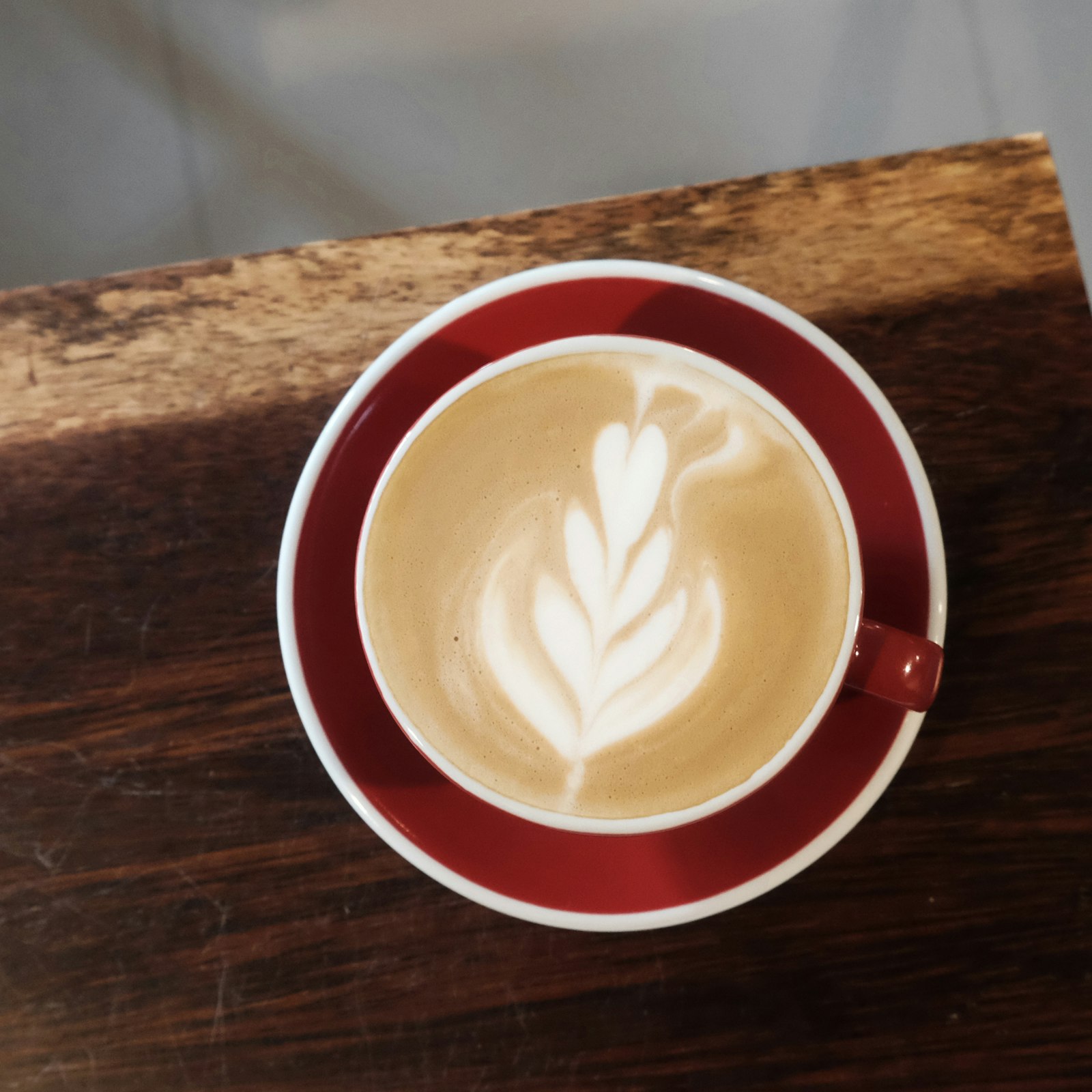
Roll in from the right — a real photo with the Rounded style (a round latte): it rolls in anticlockwise.
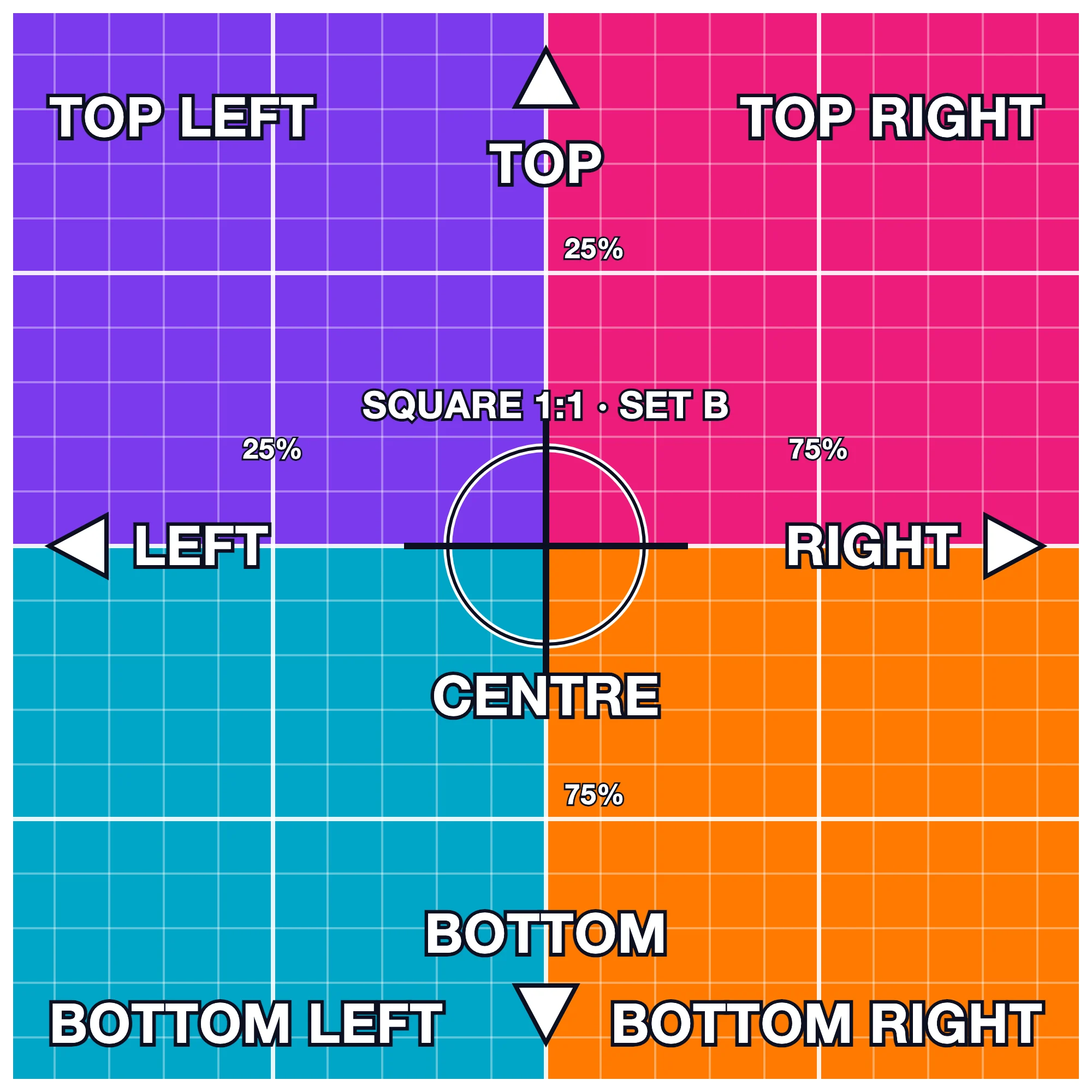
Roll on a picture that is not round (the square graphic): it turns as it slides in — the editor shows a hint suggesting a round image.
Slide and Break out of frame
Slide in from the left (off: inside its frame) — the picture slides into its own frame.
Slide in from the right — Break out of frame: it starts genuinely outside its spot (off the right of the screen) and travels in; on a phone the page never scrolls sideways.
Roll in from the left — Break out of frame: the wheel rolls in from a full width away, crossing over neighbours, turning exactly as far as it travels.
Rise + hover tilt: after it has risen, hover it — the tilt eases in.
A staggering group: its own entrance wins — the image inside (set to Rise) comes in with the group, not twice.